
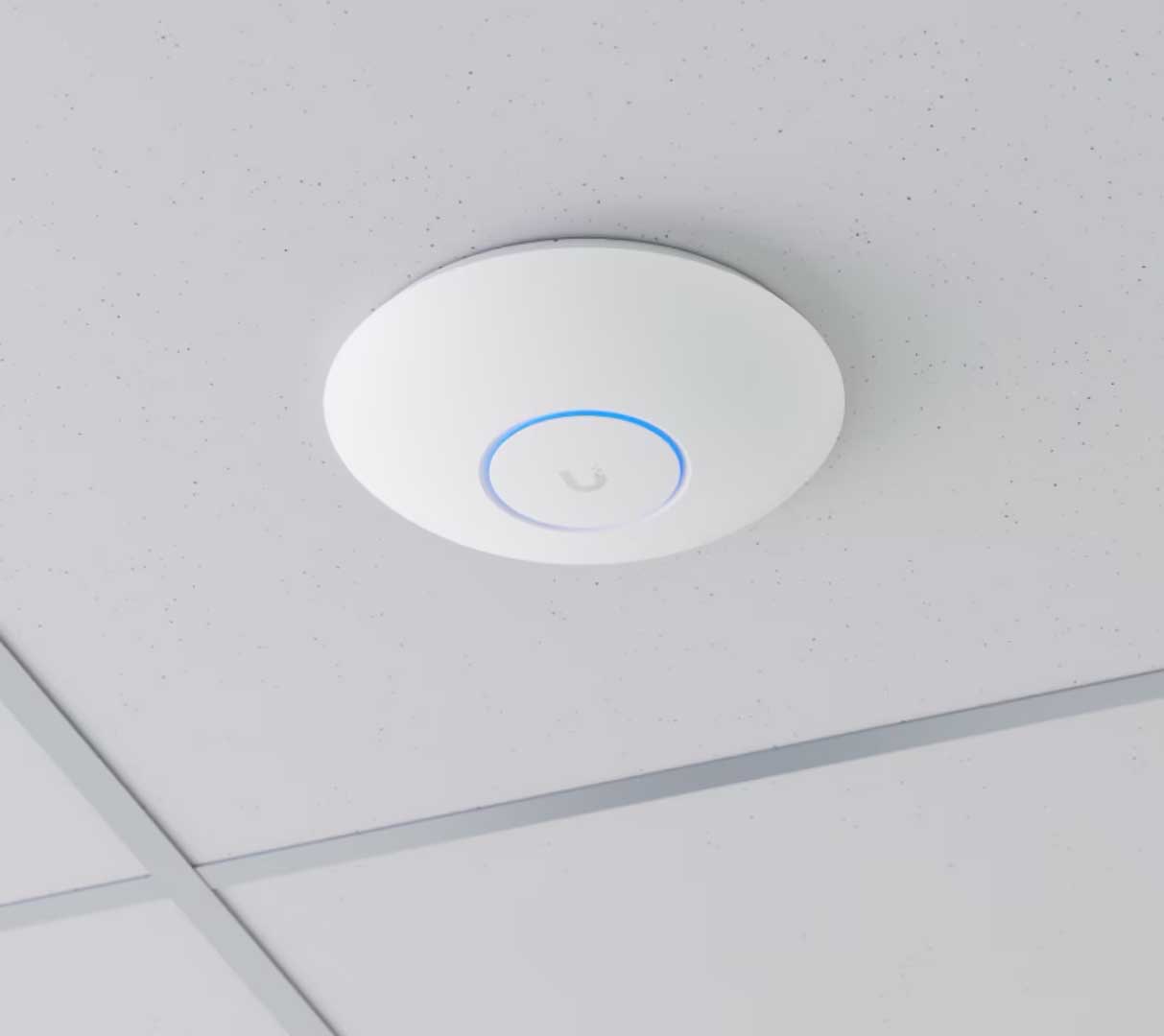
When Wi-Fi buffering starts affecting work calls or family streaming, the immediate reaction is often to head to a big-box store or Amazon and buy the most expensive spider-like router on the shelf.
Before spending hundreds of dollars on a flagship device, there is a far more important question to ask: Why isn’t your current network performing?
Almost any modern router can deliver high speeds when you are standing five feet away from it in the same room. The real test is what happens when that wireless signal has to navigate through multi-level floor plans, furniture, and heavy structural walls to reach every corner of your home.
Why a $600 Gaming Router Won’t Solve Whole-Home Dead Zones
The Quick Answer: Federal law limits the maximum radio frequency output power (transmit power) of consumer Wi-Fi routers. A $600 router operates under the exact same broadcast power limits as a $100 router. Paying more money gets you faster processors and extra antennas, but it cannot bend physics to push a wireless signal through dense plaster, brick, or foil-backed insulation.
Buying a top-tier router to cover a 4,000+ square foot home is like buying a faster sports car to drive through a flooded road—the engine isn’t the problem; the terrain is.
When you move beyond a single-router setup, the success of your home network relies on system design, not raw hardware cost:
- Equipment Placement: Is the router tucked away in a basement utility closet or behind a metal TV cabinet?
- Physical Construction: Are walls made of drywall, dense plaster, or masonry?
- Connection Backhaul: Are secondary access points communicating wirelessly, or are they offloaded onto physical wiring?
Why More Hardware Can Actually Make Your Wi-Fi Worse
Another common mistake homeowners make is buying multiple routers, plug-in extenders, or unmanaged mesh nodes and scattering them throughout the house.
Without a deliberate engineering plan, adding more wireless hardware can actually degrade performance through co-channel interference:
❌ BAD: [Main Router] ~~~ (Interference) ~~~> [Extender 1] ~~~ (Interference) ~~~> [Extender 2]
Signals overlap on the same channel, causing packet loss and high latency.
✓ GOOD: [Core Gateway] ─── (Existing Coax or Ethernet) ───> [Hardwired AP]
Clean, non-overlapping channels with dedicated wired backhaul.
Plugging an extender into an outlet in a dead zone forces the device to repeat an already degraded wireless signal, doubling your latency and cutting your throughput in half.
The Solution: A Hardwired Backbone Using Existing Home Infrastructure
At Merrimack Valley Wi-Fi PROS, we treat Wi-Fi as the “on-ramp” to your network. Your phone or tablet connects wirelessly to the nearest access point, but from there, we want that data moving onto a physical wire as quickly as possible.
Instead of tearing up walls to run new cables, we prioritize utilizing the existing infrastructure inside your home:
- Leveraging Existing Coax (MoCA 2.5): Most homes already have RG6 coaxial outlets in key rooms. By converting these coax lines into a high-speed MoCA network backbone, we deliver an unshakeable, hardwired 2.5 Gbps bridge to additional access points without cutting a single piece of drywall.
- Existing Structured Ethernet: If your home already has Cat5e or Cat6 lines, we re-terminate and configure those jacks to backhaul your network traffic directly to your main gateway.
- When New Cabling Is Required: If a property lacks usable coax or Ethernet drops and a new cable must be fished through the walls, we coordinate directly with a licensed Low-Voltage (LV) contractor to execute the physical cable runs prior to our system installation.
- Wireless Mesh as a Last Resort: We treat purely wireless mesh nodes as a rare exception. We only deploy a wireless node if zero cabling infrastructure exists, and only when diagnostic data proves the node can maintain a strong, unhindered connection to its nearest neighbor.
For modern homes requiring a full system upgrade, we design all new deployments around Wi-Fi 7 standards to ensure full support for multi-gigabit speeds, 320 MHz channels, and modern smart home device loads.
Thinking about buying a new router?
Don’t waste money on hardware before understanding the real cause of your coverage issues. Contact Merrimack Valley Wi-Fi PROS today to schedule your Free Wi-Fi Consultation. Let’s talk through your network frustrations and explore how we can leverage your home’s existing wiring to deliver seamless, whole-home performance.